Cyber security sounds like a big-company problem, but the most-attacked target is regular people — easier to hit, and there are millions of us. The good news: the defenses that actually work for individuals require zero technical skill. This page is a 10-point checklist, ordered by impact, with links to our deeper guides on each threat.
The 10-point checklist

- Turn on 2FA (two-factor authentication) for every important account — email, banking, social. If you do only one thing, do this: even a leaked password won't lose you the account.
- Stop reusing passwords — one password everywhere means one breached site sinks every account. Let a password manager do the remembering.
- Keep systems and apps updated — updates close the holes attackers already know about. The longer you defer, the bigger the target.
- Keep a disconnected backup — the final line that strips ransomware of its leverage: 3 copies, 2 media, 1 offline.
- Learn to spot phishing — the number-one threat doesn't hack machines, it tricks people: an unexpected link or attachment always deserves a pause.
- Don't install pirated software — cracked installers are the favorite vehicle for viruses and malware of every kind.
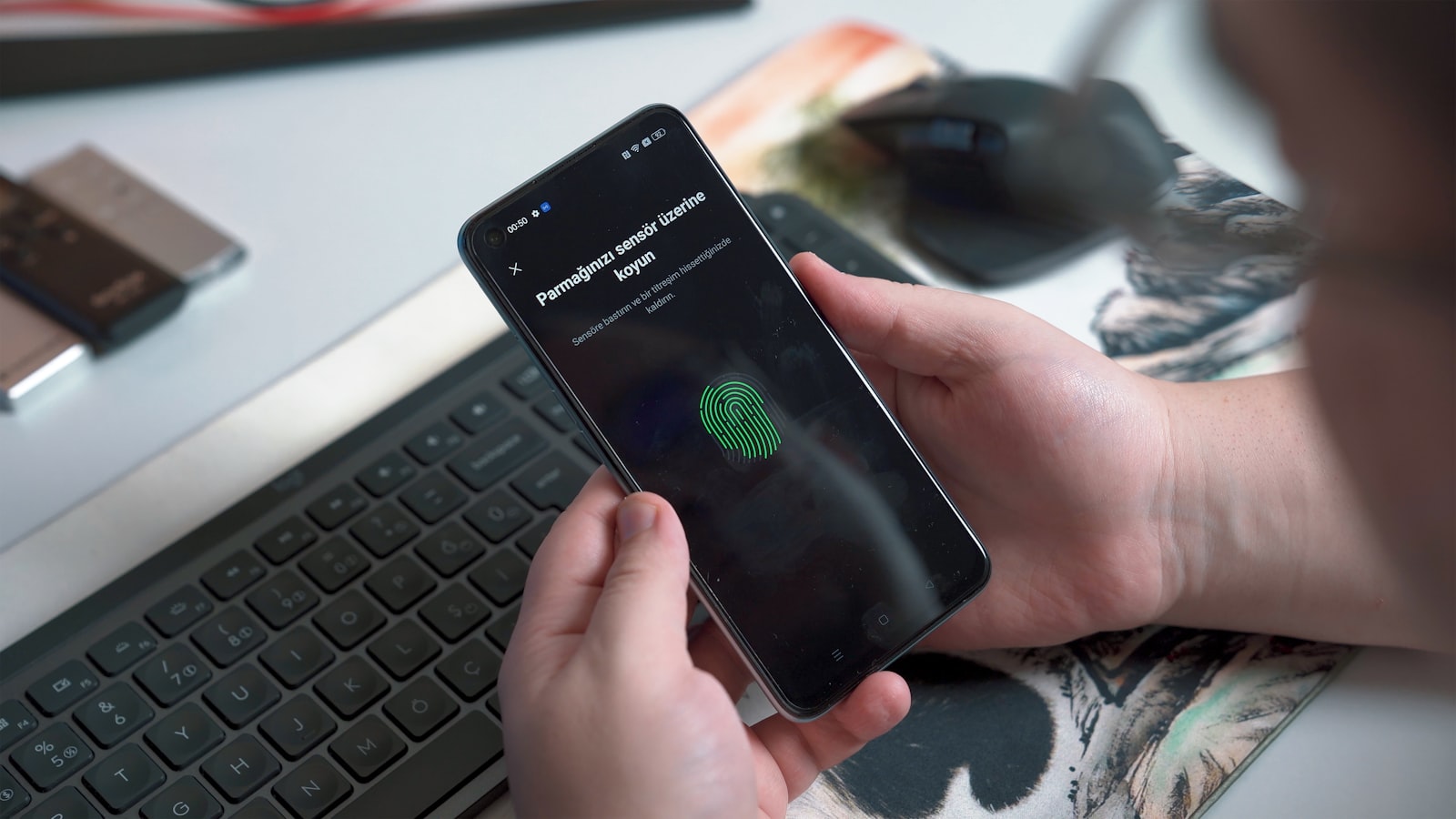
- Lock every screen — PIN/fingerprint/Face ID on phones and laptops. A lost device shouldn't mean lost data.
- Review app permissions now and then — a flashlight app doesn't need your contacts. Delete apps you no longer use.
- Treat public Wi-Fi with suspicion — cafe, hotel, and airport networks are run by someone you don't know — this is the VPN's actual job: encrypting the whole connection so whoever runs the network can't snoop.
- Pause before sharing personal data — card numbers, OTPs, passwords: no real institution asks for them over chat or a phone call.
Where a VPN sits in this picture — plainly
We sell a VPN, and we'll draw its boundary as clearly here as in every other article: a VPN is a tool of the connection layer — it encrypts traffic between your device and its destination, shuts down snooping on untrusted networks (item 9), and protects your IP privacy.
What a VPN does not do: it doesn't stop viruses, doesn't stop phishing, doesn't stop ransomware — those three live "on the device and on the person," not on the wire. Anyone selling a VPN as protection against everything is overselling. Items 1–8 and 10 are the real armor against those threats; the VPN is the armor for item 9 and your overall privacy.
Summary
- Nearly all cyber threats against individuals are stopped by habits, not expensive tools: 2FA + unique passwords + updates + backups + judgment
- Deep dives on the big three: viruses · phishing · ransomware
- A VPN is the connection-layer armor (public Wi-Fi, IP privacy) — not a cure-all, and we don't claim otherwise
Want connection-layer armor from a company that talks this straight — TukTukVPN, one app on every device. Your first purchase carries a 30-day money-back guarantee.