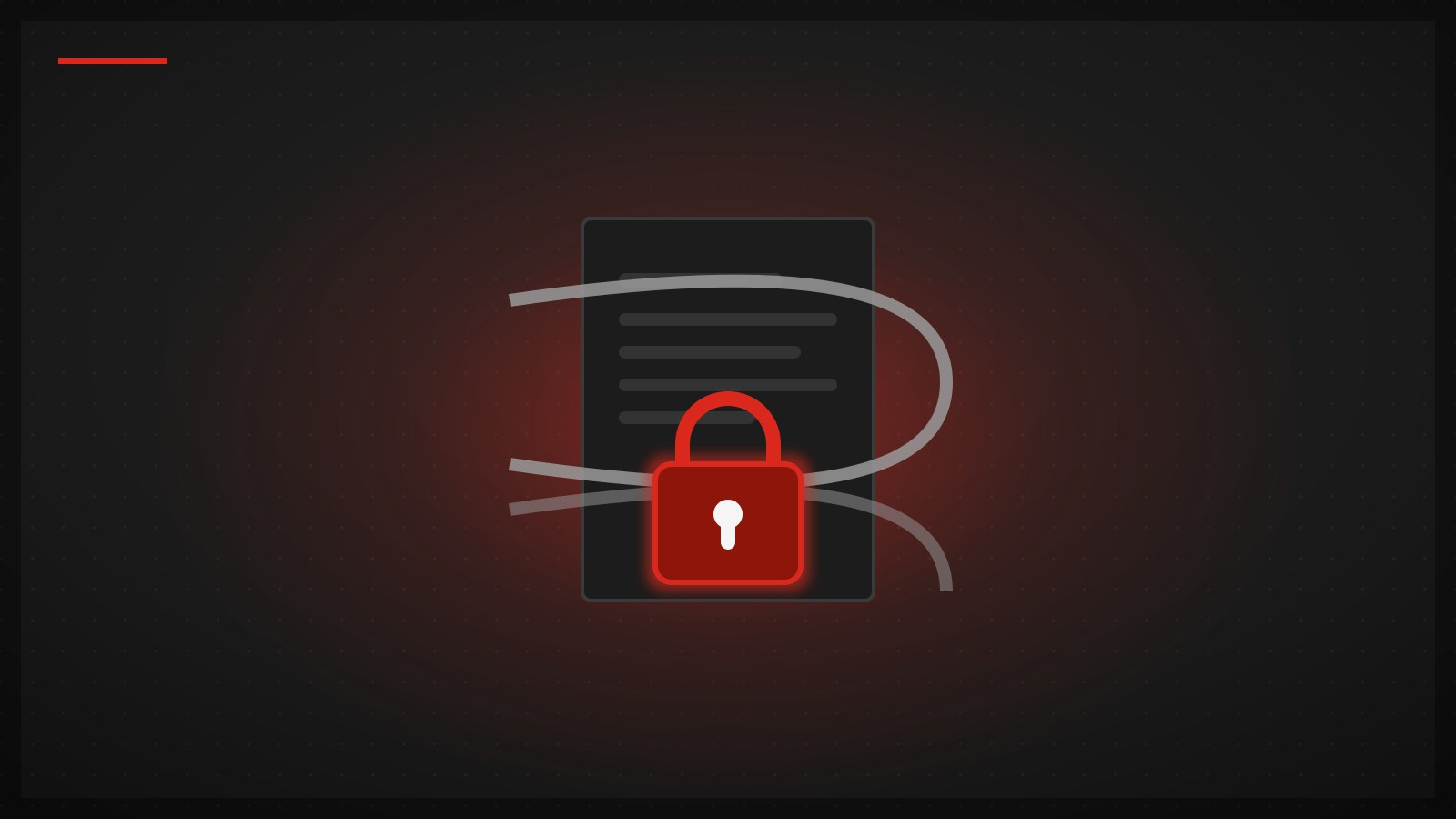
Ransomware is the type of malware that encrypts the files on your machine so you can't open them, then demands payment for the decryption key (usually in cryptocurrency, to be hard to trace). The name comes from ransom — it doesn't steal your files, it holds them hostage right there on your own device.
Ransomware is among the most financially damaging malware, because it attacks the irreplaceable: family photos, work documents, customer databases — the things where "no backup = gone forever."
How it gets in
Ransomware rarely self-spreads like a virus; it usually rides in through something a person opens:
- Phishing attachments/links — the number-one route (read what is phishing to spot it before you click)
- Pirated/cracked software — fake installers bundling ransomware
- Unpatched vulnerabilities — old, un-updated systems that can be breached remotely
- Weakly-secured RDP/remote access — attackers guess the password, get in, and deploy the ransomware themselves (common against organizations)
What actually prevents it (in order of importance)

- A disconnected backup is the single most important defense — the 3-2-1 rule: 3 copies, 2 different media, 1 kept offsite/offline. The key point: back up to something disconnected (an external drive you unplug, or cloud storage with versioning). If your backup is plugged in when ransomware hits, it encrypts that too — a safe backup is one it cannot reach.
- Keep the OS and apps updated — close patched vulnerabilities.
- Watch for phishing — the top cause; don't click unexpected attachments/links.
- Don't run pirated software, and let antivirus scan automatically.
- Organizations: strong remote passwords, 2FA, least-privilege access.
If you're hit — and why you shouldn't pay
- Disconnect immediately — unplug / turn off Wi-Fi to stop it spreading to other machines and to any connected backup.
- Don't pay the ransom if you can avoid it — plainly: paying doesn't guarantee you get the key back (many attackers take the money and vanish), it funds their next attack, and some groups are sanctioned, making payment illegal in some countries.
- Restore from backup — if you did step 1 of prevention, this is the real way out: wipe the machine, restore your data.
- Check for a free decryptor — projects like No More Ransom have decryptors for some ransomware families that have been cracked.
- Report it to the relevant authorities for the record.
Does a VPN relate to ransomware? The straight answer
A VPN does not prevent ransomware directly, the same way it doesn't stop viruses: ransomware encrypts files "on your device," a different layer from the connection a VPN handles. Anyone selling a VPN as ransomware protection is overselling.
What a VPN genuinely helps with, stated honestly: closing off RDP/remote access exposed straight to the internet — a top ransomware entry point for organizations. Instead of leaving a remote port open for the whole world to guess at, require a VPN connection first, which shrinks the attack surface dramatically. But that's closing one channel, not stopping ransomware that arrives via phishing or a file. The real defenses are still backup + updates + judgment.
Summary
- Ransomware = malware that encrypts your files and demands payment — it holds the irreplaceable hostage.
- A disconnected backup is the single most important defense — with a good backup, the ransom has no leverage.
- If hit: disconnect → restore from backup → check for a free decryptor → don't pay if you can avoid it.
- A VPN does not stop ransomware directly — it only helps by closing off exposed RDP/remote access; backup + updates + judgment are the real defense.
Want a VPN this honest about its own limits on every topic — TukTukVPN handles your connection privacy and security from one app on every device. Your first purchase carries a 30-day money-back guarantee.